Session link or QR
Quick, link-based sharing—open the same session on both sides, save on one device, reload snippets on the other.
Save text and images from your clipboard to a shared session (link or QR code) or, if you choose, to Google Drive. Open the same session or signed-in account on another phone, tablet, or computer—then copy snippets back when you need them.
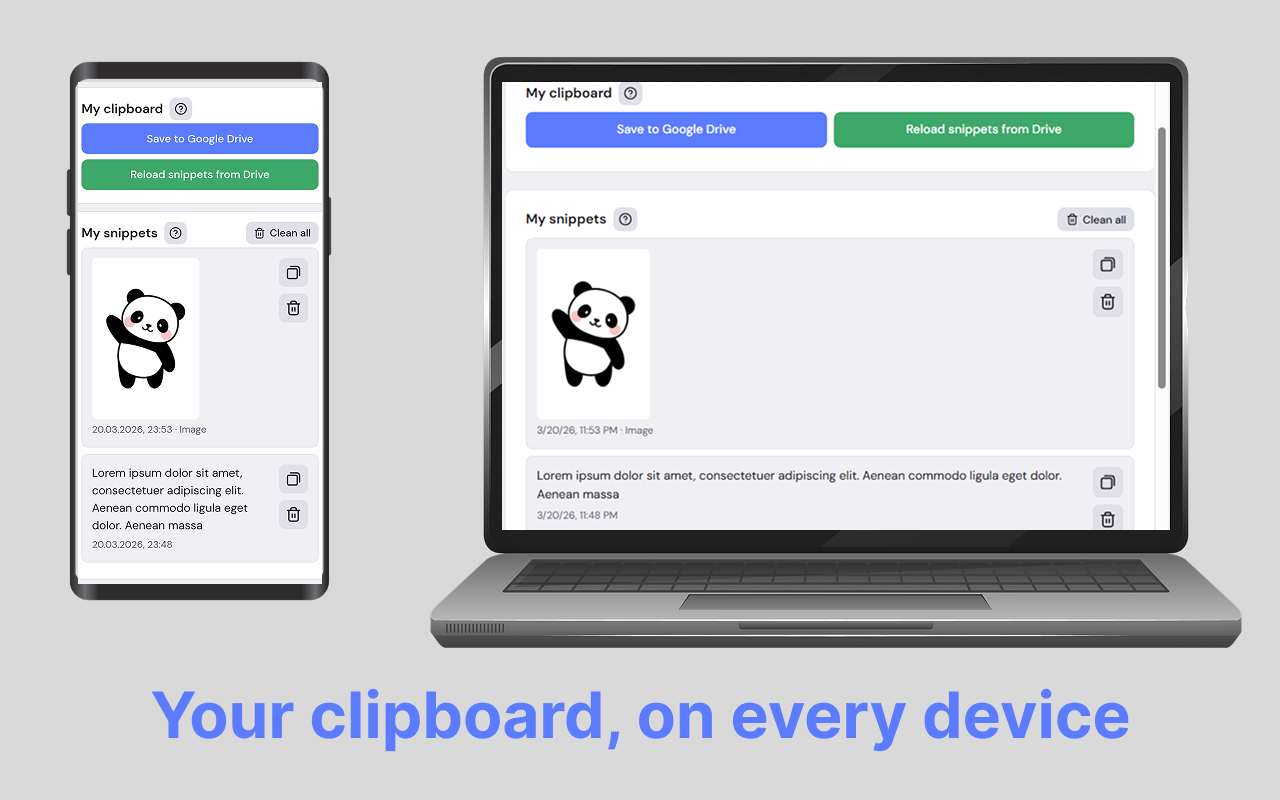
Built for people who jump between devices, browsers, or local and remote environments—and want a simple way to move short text and images without retyping or emailing yourself.
Quick, link-based sharing—open the same session on both sides, save on one device, reload snippets on the other.
Sign in with Google to save and reload snippets from Drive in each browser—tied to your account.
Pin the extension, open the side panel, and manage snippets without leaving your workflow.
Useful when VM or remote-desktop clipboard sync is off—use the browser on each side as a bridge when your environment allows it.
Save clipboard content with practical limits for images (large captures may be compressed; very large images may need cropping elsewhere).
The developer discloses no collection or use of your data for this item in the Chrome Web Store. See the store listing and privacy policy for details.
Get the extension from the Chrome Web Store and start with session mode in minutes.
Install and pin Klipee from the official listing.
Paste into meetings or chat with fewer extra steps.
Choose session links or optional Drive sign-in—whatever fits your workflow.
Install from the Chrome Web Store. Session mode needs no account.
Quick answers about Klipee: Share Clipboard
Session mode needs no account: use the session link or QR. Drive mode uses Google only if you sign in.
Session uses one shared link or code for everyone who has it. Drive ties devices to the same Google sign-in.
No. It works through the browser on each machine and does not change OS or remote-desktop settings. Your organization may still restrict browsers or uploads.
The website supports similar flows. The extension adds the side panel and easier Google sign-in in Chrome.
Install the extension, pin it, and open the side panel to save and reload snippets across your devices.