Proxy per Tab
Configure different proxy settings for individual tabs. Visit each website under a specific proxy while keeping other tabs using different settings.
Enhance your online privacy with our proxy web browser extension. Use proxy per tab to secure your browsing and access blocked websites with ease.
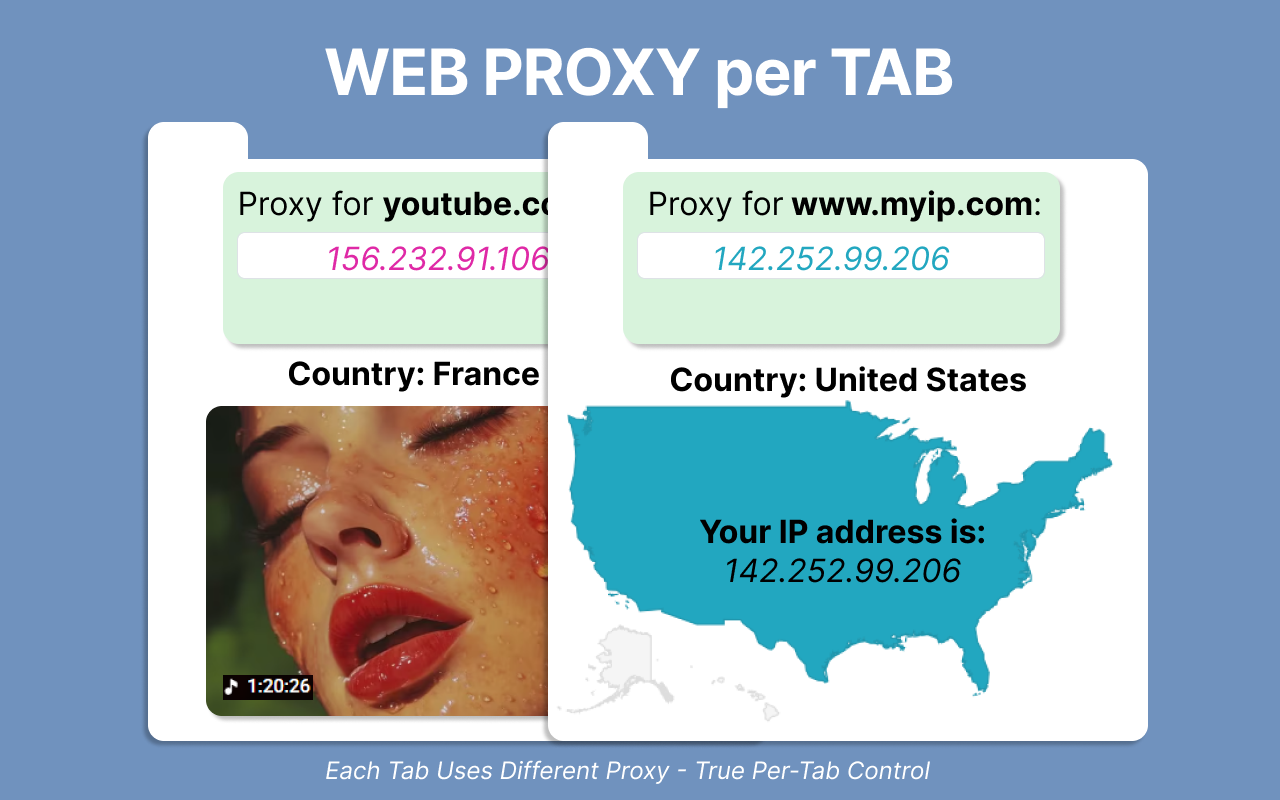
Secure your browsing with advanced proxy features designed for privacy and accessibility.
Configure different proxy settings for individual tabs. Visit each website under a specific proxy while keeping other tabs using different settings.
Mask your real IP address and location. Send requests from different countries and access websites unavailable in your current location.
Simple browser configuration with just a few clicks. Say goodbye to the tedious process of configuring browser proxies manually.
Always know if you are under a proxy with our visual indicator. The extension icon shows whether proxy is active or not.
Visit websites that are unavailable in your current location. Bypass geo-restrictions and access content from anywhere in the world.
Protect your online privacy and enhance security. Browse the internet with confidence knowing your data is routed through secure proxy servers.
No trials, no upgrades, no paywalls. Get full access to all proxy features at no cost.
No hidden fees, no subscriptions, no credit card required. Ever.
Install in seconds and start using proxy features immediately.
We don't collect or store any of your personal browsing data.
All features included. No limitations.
Everything you need to know about Web Proxy Per Tab
Yes! The Web Proxy Per Tab extension is completely free to download and use. No hidden fees, no subscriptions, no credit card required.
The proxy per tab feature allows you to configure different proxy settings for individual tabs. You can visit each website under a specific proxy while keeping other tabs using different settings or no proxy at all.
Yes! The Web Proxy Per Tab extension allows you to access websites that might be blocked in your location by routing your traffic through proxy servers from different countries.
Click the extension icon to open the sidebar. There are two sections: one for the current tab and one for the entire browser. Fill in your proxy details and toggle the feature on or off as needed.
Proxy usage may slightly increase loading times as your traffic is routed through proxy servers. However, the extension is optimized for performance and the impact is minimal for most users.
The extension icon in your browser toolbar shows whether you're under a proxy or not. You can also visit sites like whatismyipaddress.com to verify that your IP address has changed.
Join thousands of users who browse securely with Web Proxy Per Tab extension