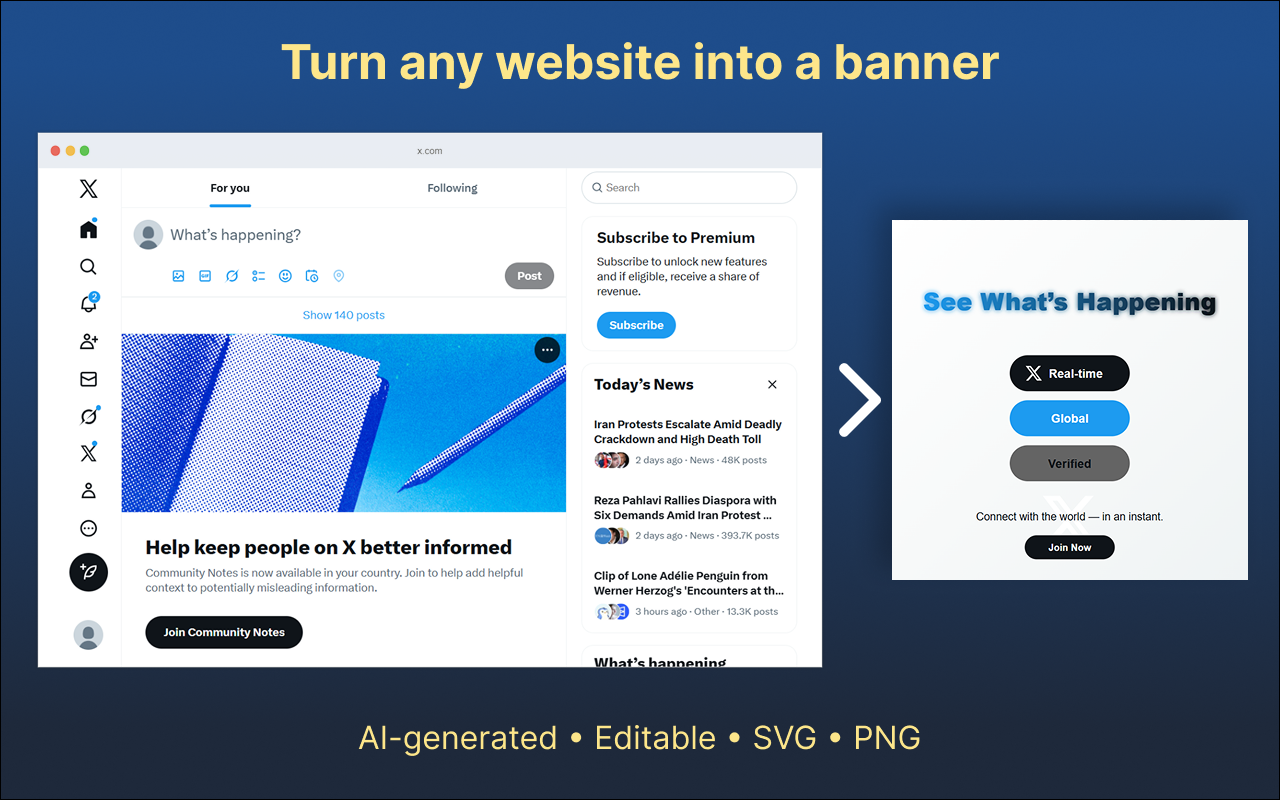
AI that understands the page
The engine scans your current tab, learns its tone, layout, and structure, then proposes banners that feel native to your site instead of generic ad units.
Use Banner for the Website to generate banners online for the current tab. It reads the page you are on, learns its tone and color palette, and suggests animated SVG banners that feel intentional, on-brand, and ready to ship.
Turn any page into a design-ready banner workspace. Stay in the browser, keep the context, and move from idea to finished SVG without opening another tool.
The engine scans your current tab, learns its tone, layout, and structure, then proposes banners that feel native to your site instead of generic ad units.
Colors and rhythm are pulled from your existing design system so new banners look like they have always been part of your product.
Generate motion-ready SVG banners that stay sharp at any size and can be tweaked directly in code without re-exporting from a separate design app.
Quickly switch between horizontal hero banners, stacked announcements, and compact notification bars without rebuilding your design from scratch.
Switch to the code view to fine-tune paths, easing, delays, or transitions with syntax highlighting and instant preview inside the same panel.
The extension runs in a controlled, local context. No tracking pixels, no external data stores—just the banner you are building on the site in front of you.
Whether you are designing launch heroes, social headers, or live update banners, the same workflow helps you move fast without sacrificing clarity.
Spin up targeted announcement banners for campaigns, seasonal offers, or product launches—always aligned with your landing page design.
Highlight new features, status messages, or upgrade prompts with subtle motion that respects your core UI.
Use banner presets to generate layouts that adapt to YouTube, LinkedIn, Facebook, Twitch and more— all from the same brand source.
Designers, marketers, developers, and editors can all work from the same SVG source, exporting versions as campaigns evolve.
Get the full AI-powered banner workflow with no subscriptions, no paywalls, and no surprise fees.
Install the extension, open any page that needs a banner, and start generating in a few clicks.
Layout, spacing, and motion are tuned for clarity, helping teams maintain consistent visuals without heavy guidelines.
Your banners are created in a local, controlled context. The extension does not store sensitive content or sell data to third parties.
All core features included. No trial, no credit card.
Answers to the most common questions about Banner for the Website.
Open any page that needs a new graphic, activate the extension panel, and let the engine scan the layout. It learns the structure, tone, and color scheme of the page, then proposes motion-ready banner concepts you can refine and export.
Yes. Every banner is fully editable. Use the built-in SVG editor to tweak paths, typography, colors, and animation timing while watching changes update in real time.
Banner for the Website supports horizontal, vertical, and fully custom dimensions. You can use it for website hero banners, notification bars, social headers, and recurring campaign assets.
No. As described on the Chrome Web Store, the extension does not collect or sell your data and avoids storing sensitive items. Its focus is strictly on helping you build banners in a local, controlled context.
Have feedback or ideas for new layouts? We’d love to hear from designers, marketers, developers, and creators using Banner for the Website in production.